
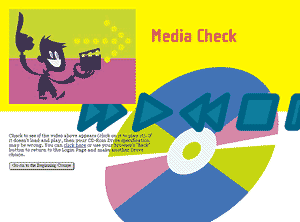
 This is the opening screen after logging into the site.
The video is of a host who reappears throughout the project to introduce each section and demonstrate some of the concepts. This also serves a check to see if the user has entered the correct disc drive designation for the CD-Rom and that the CD-Rom is working.
When the user logs in for the first time, a database record is created that tracks the user's progress. Each time the user logs in afterward, the program starts with the next un-viewed lesson in the syllabus.
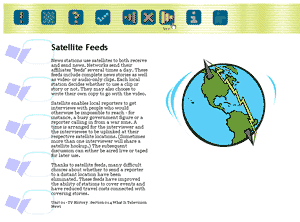 This is a typical lesson page.
The navigation bar on the top has clickable icons for an Announcements page, a Syllabus, Quiz Me tests, and a Review Guide. Also there are forward, back, exit, and return to lesson buttons.
The text of the lesson is converted upon loading to provide links to words in a glossary database. If the user clicks on such a word, the page is refreshed with the definition appearing after the word in the text. Clicking it again causes the definition to disappear.
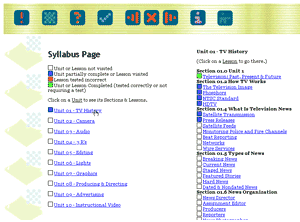 This is the Syllabus Page. Students can see quickly how they are progressing through the course. They can click on a lesson title to jump to that lesson.
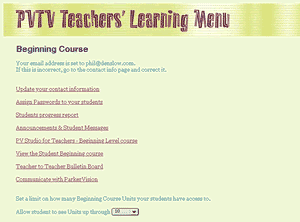 This is the Teacher Menu page. Teachers have administrative functions such as assigning passwords to their students, exchanging notes via the Announcements page, and access to a Teacher Bulletin Board where teachers anywhere can exchange ideas or discuss problems.